

One Identity. Any Credential.
Zero Transaction Fees.
Cashless payments across dining, vending, printing, and POS - all from one unified wallet.
Flexible payment models
Users pay with their credential - you control the financial model behind each transaction
RFID Card
Tap-to-pay with a physical ID badge at POS terminals, vending, and service points.
SECANDA App
Pay via the mobile app by scanning a QR code. Manage balance, view history, and top up on the go.
Behind every tap or scan, you choose how transactions are funded
Top-Up in Advance
Users or parents load funds via credit card, bank transfer, cash, or the online portal - with full visibility and control over spending.
Pay Direct
Transactions are deducted in real time from a linked payment method or an internal billing account.
Payroll Deduction
Allow a configurable negative balance, then automatically deduct from payroll or export to HR/accounting at the end of the period.
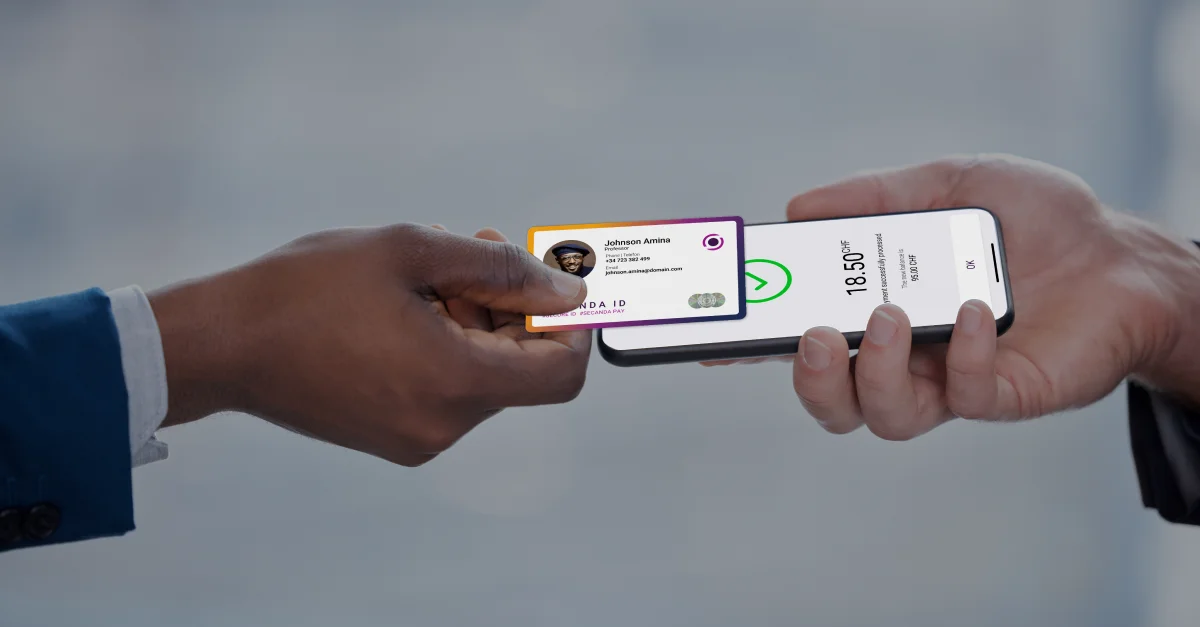
One wallet across dining, POS, vending, printing and more
SECANDA Pay is not only for POS and meal plans. The same wallet can be used for printing, copying, scanning, and document services.
No separate print accounts. No parallel balances.
Flexible voucher system
The voucher system in SECANDA Pay allows administrators to create meal plans, allowances, or any type of allocated funds with rules.
- Time-based validity (daily, weekly, semester)
- Location restrictions (specific cafeterias)
- Product category limits
- Automatic renewal and rollover options
- Multiple vouchers per person
- Any custom rule your organization needs
Meal Plan - Gold
$2,500/semester • All dining locations • Rollover enabled
Coffee Allowance
$50/month • Café locations only • No rollover
Department Funds
$200/year • Print & copy services • Annual reset
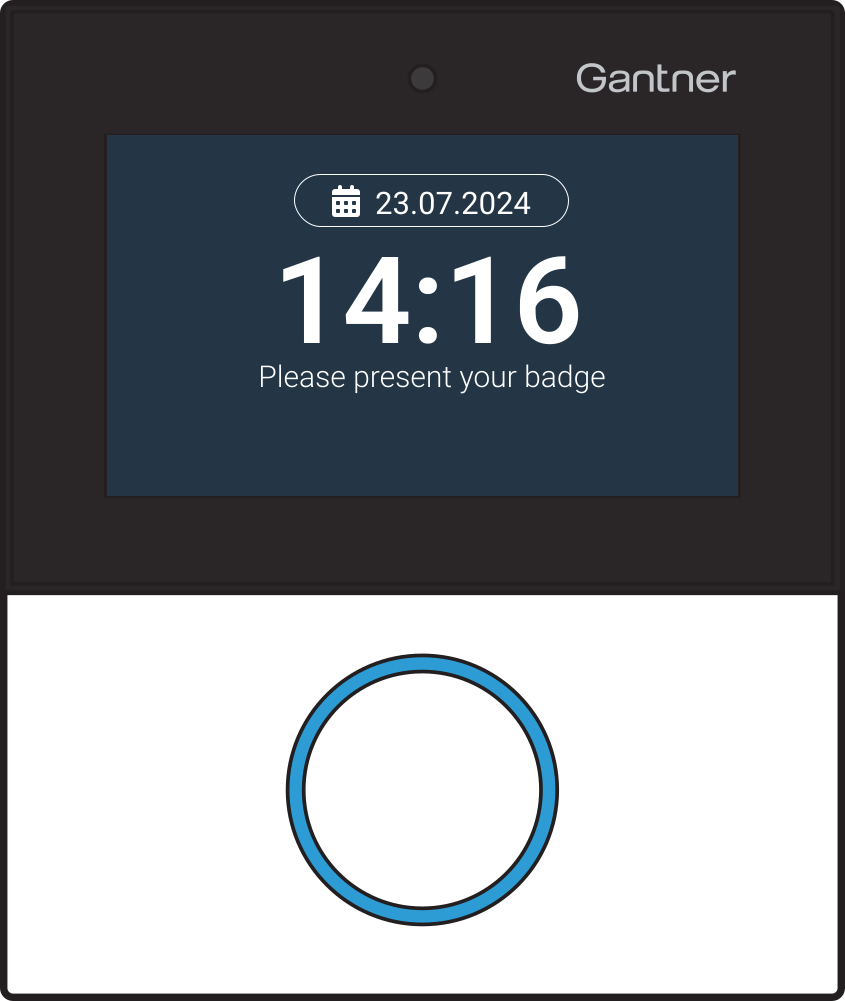
Identity and meal plan verification at the door
- Place a Gantner GT7 reader at the entrance of your restaurant or cafeteria
- Users tap their card or scan their credential
- The terminal verifies identity, meal plan, and time window instantly
- Access is granted or denied automatically - no staff needed
Cost centers
Assign transactions to a shared account instead of a personal wallet. Ideal for group spending that needs to be tracked separately.
- Pay for guests at the reception desk
- Shared photocopies account for teachers
- Department budgets for events or supplies
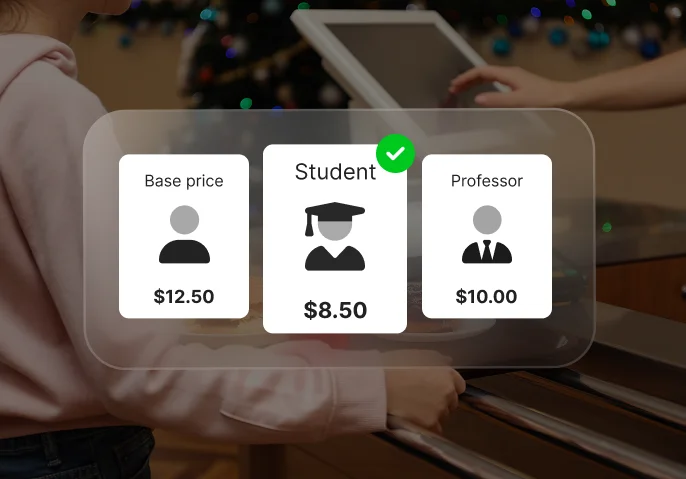
Price levels
Assign a price level to each user profile and SECANDA Pay applies the correct pricing automatically at every transaction.
- Students, staff, visitors, VIP — each with their own rate
- No manual selection or special codes at the POS
- Price level is tied to the identity credential
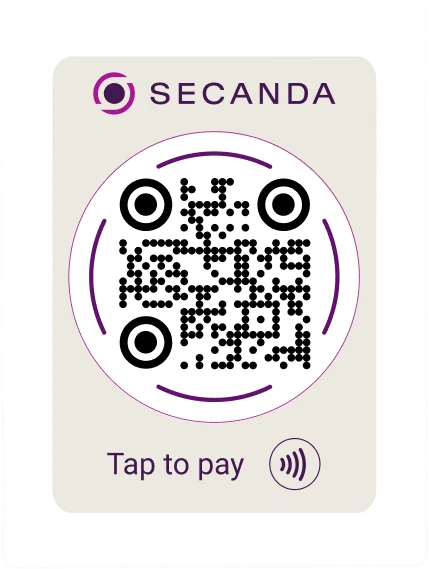
QR payments: no hardware required
A simple printed sticker is all you need. No screen, no terminal, no power supply - just a static QR code that users scan with the SECANDA App to pay instantly.
Print It. Stick It. Accept Payments.
Place a QR sticker on a counter, a vending machine, a wall, or a receipt - and you have a payment point. Deploy new locations in minutes at virtually zero cost.
Each QR code is encrypted and identity-linked. Since all SECANDA QR codes are created and recognized by the SECANDA App, non-SECANDA codes, including mimed or fake QR codes, will not be recognized and will not open.
Digital receipts in the SECANDA App
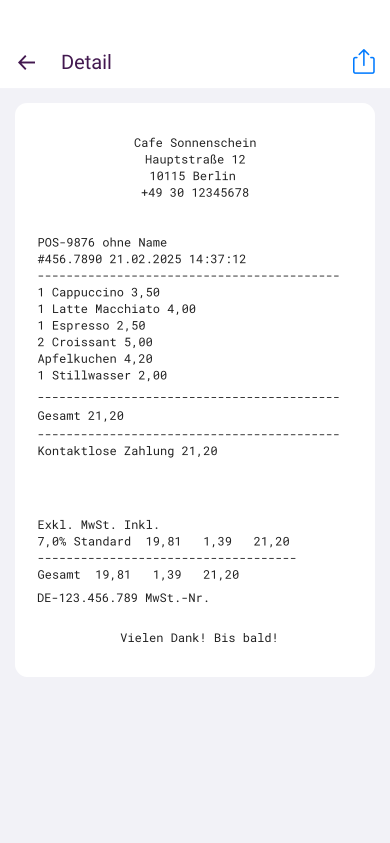
Every transaction generates a digital receipt: what was purchased, where and when, amount, which voucher or balance was used, and top-up or payroll deduction status. Less paper. Fewer disputes. More transparency.
Learn more about SECANDA App →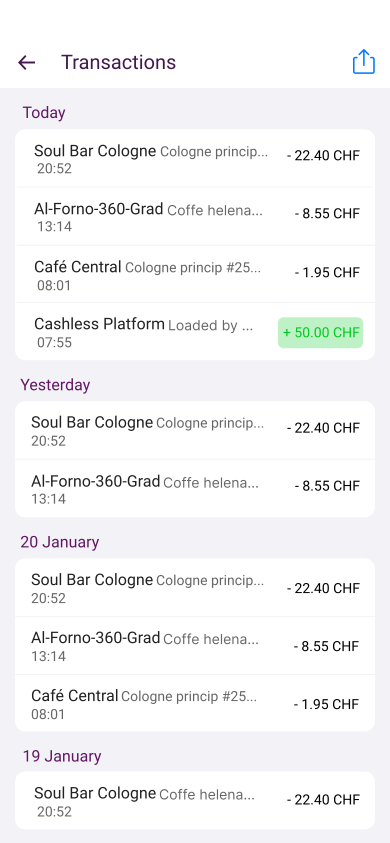
Real-time financial dashboard
Your finance and operations teams can monitor everything from one centralized interface
- Live revenue and revenue by channel (Card, Mobile)
- Revenue by zone (restaurant, dining hall, cafeteria, vending)
- Meal plan usage and breakdown
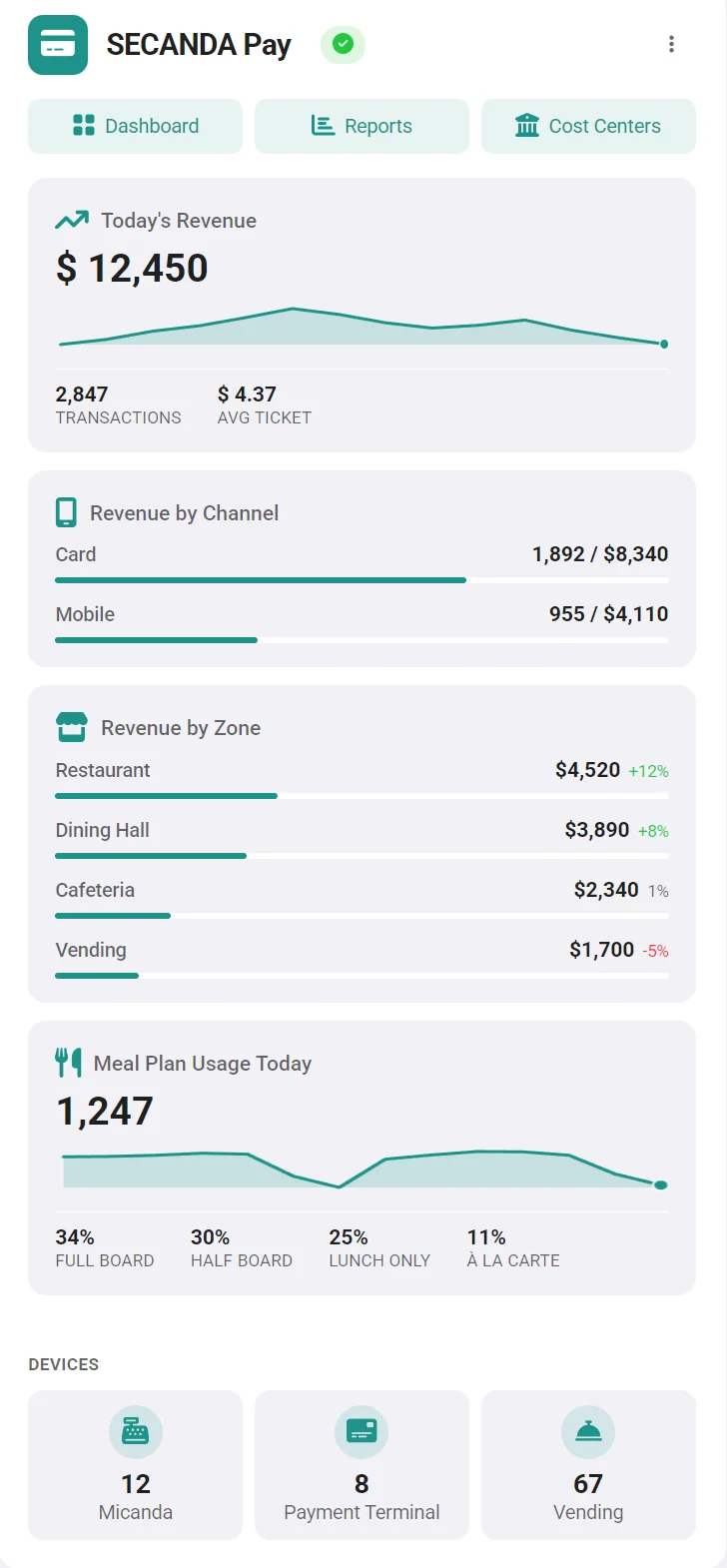
- Transaction volume & average ticket
- Device monitoring (Micanda, payment terminals, vending)
Built for education and youth environments
Parents or sponsors can securely manage accounts on behalf of students or dependents - without involving your staff.
- Top up accounts via credit card, bank transfer, or the online portal
- Set daily or weekly spending limits
- Restrict purchases by category or location
- Get notified when the balance is low
- View full transaction history in real time
Parents fund the account. Your organization keeps control.




Ready to keep 100% of your revenue?
Eliminate transaction fees, reduce hardware dependency, unify payments across dining and printing, and add payroll deduction where it makes sense.
Talk to SECANDA