

The POS that fits your environment
A deeply integrated point-of-sale system built for campus environments. Fast, reliable, and designed to work seamlessly with SECANDA.
POS built for campus life
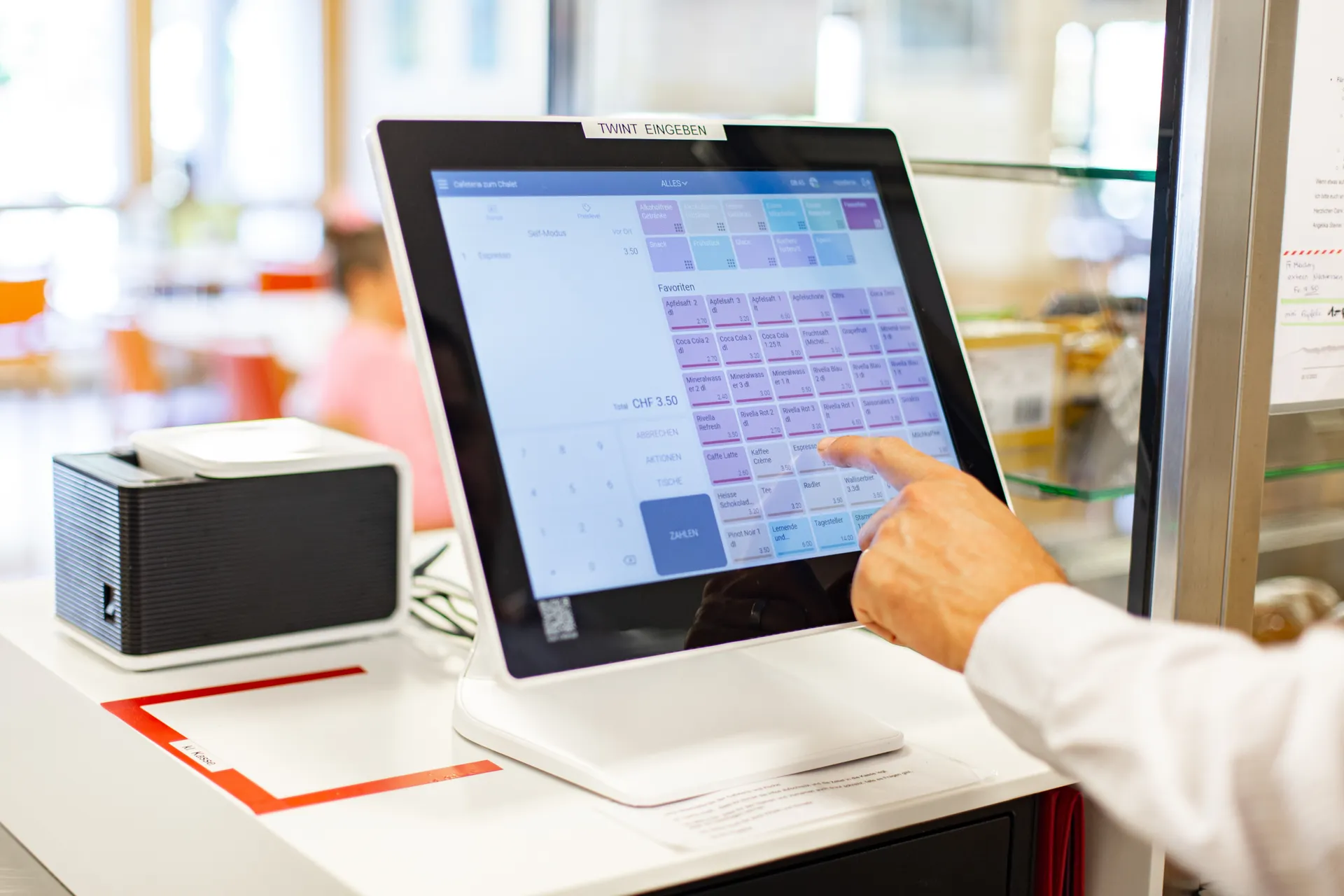
Micanda POS isn't just another cash register - it's a fully integrated terminal designed specifically for campus cafeterias, dining halls, retail stores, and service points.
Unlike generic POS systems, Micanda speaks SECANDA natively. No middleware, no data mapping, no integration headaches. Just plug in and go.
They chose Micanda POS









Purpose-built features
Everything a campus food service needs
Real-time sync
Transactions are instantly synchronized with SECANDA. No batching, no delays.
Intuitive touch interface
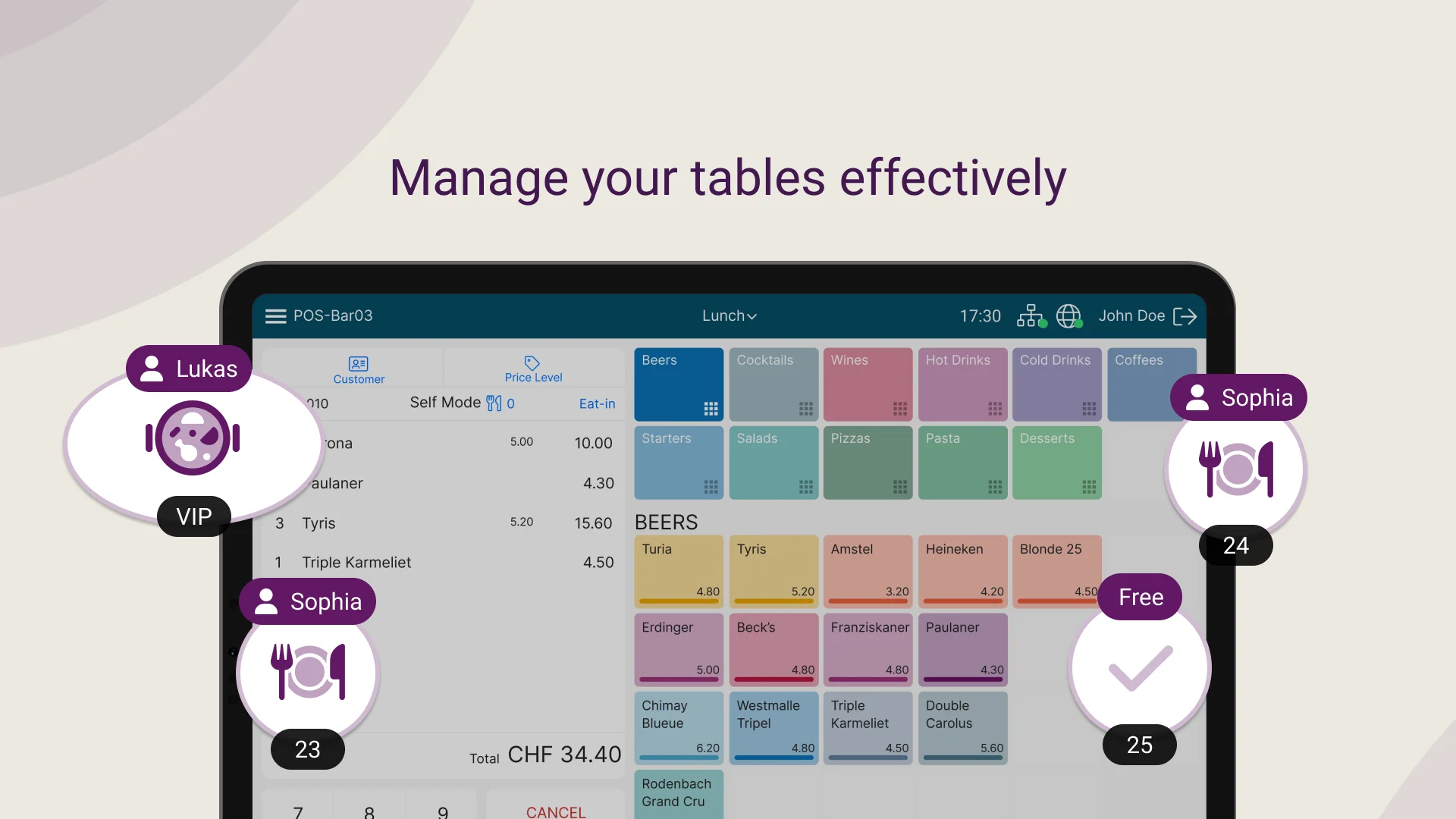
Large buttons, clear layout, fast item entry. Minimal training required.
Multi-site web back office
Manage every point of sale from one web back office. Settings update remotely, with no need to restart the registers.
Voucher Support
Full support for meal plans, subsidies, and restricted-use vouchers.
Offline Mode
Network down? No problem. Micanda stores transactions and syncs when reconnected.
Detailed Reporting
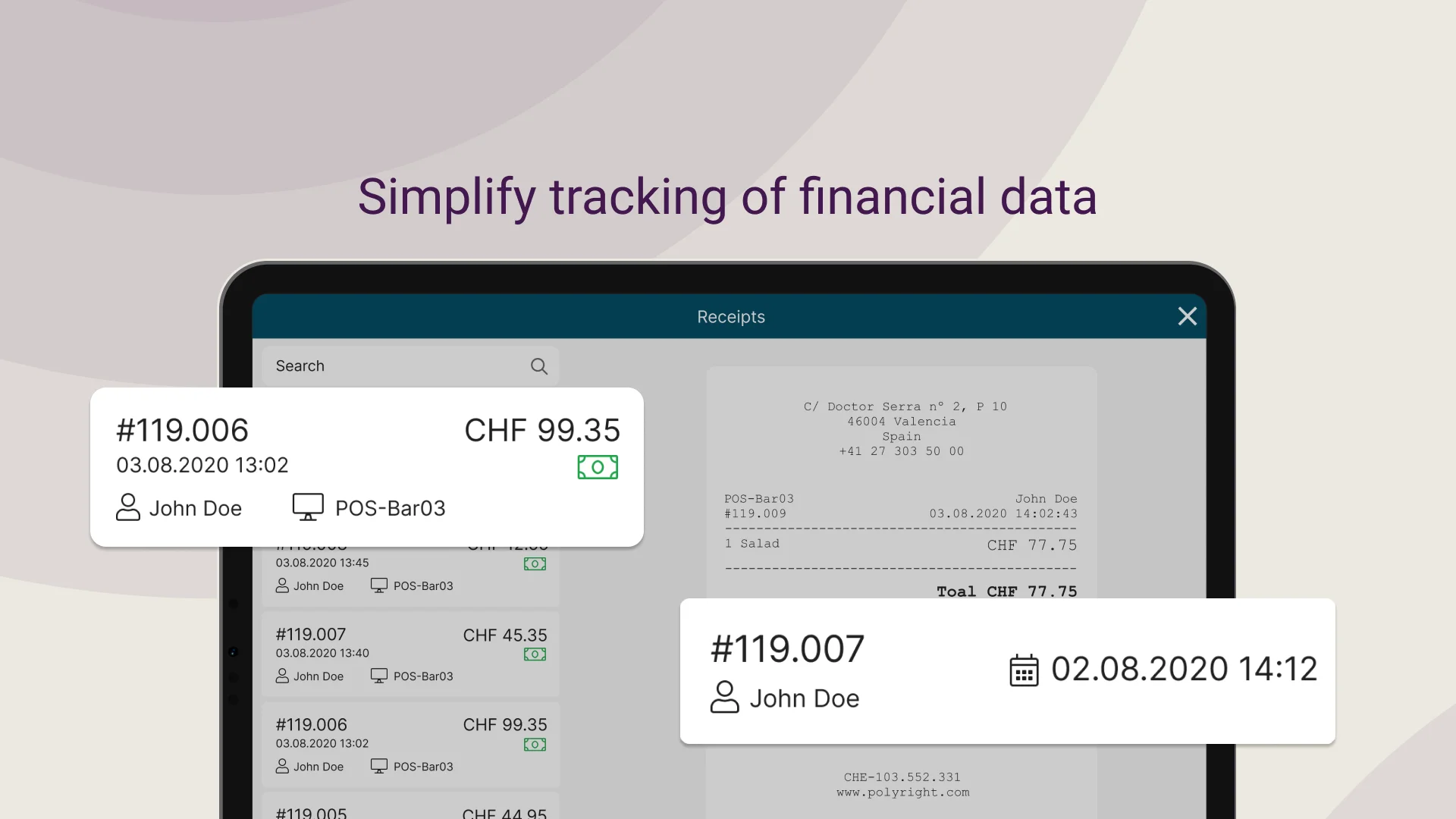
Sales summaries, cashier shifts, item popularity - all the reports you need.
Accept any payment
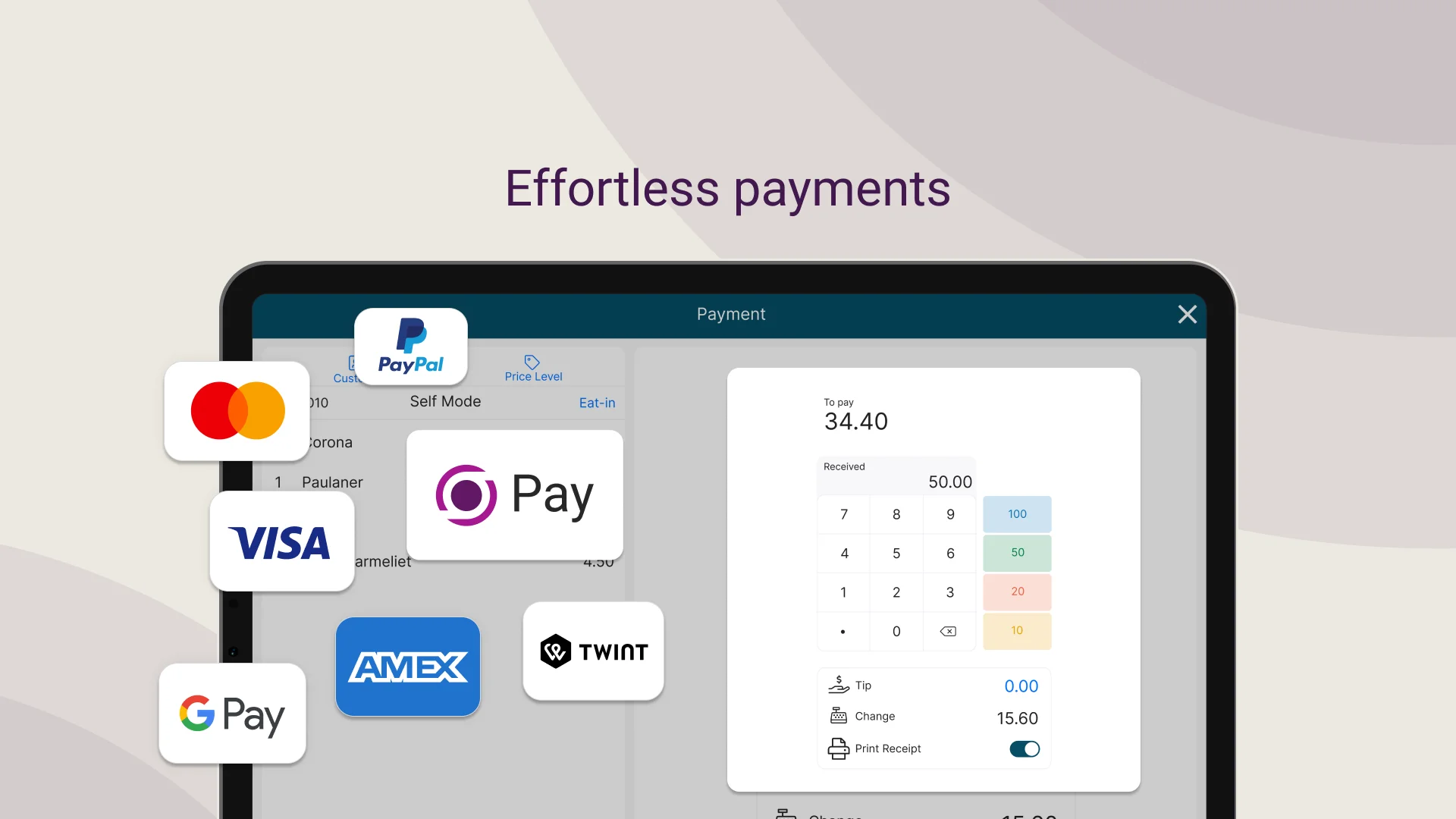
One terminal, multiple payment options
Cash & Credit Cards
Traditional payment methods fully supported
Vouchers & Meal Plans
Subsidies, daily limits, and restricted-use credits
Cost Centers
Charge to departments, projects, or budget codes
Smart voucher system
Micanda fully supports SECANDA's flexible voucher system. Create meal plans, department subsidies, or restricted-use credits.
- Auto-apply vouchers at checkout
- Restrict by product category, time, or location
- Split payments: voucher + cash/balance
- Usage tracking and reporting
Example: Student Meal Plan
Hardware
POS terminals and kiosks ready for Micanda
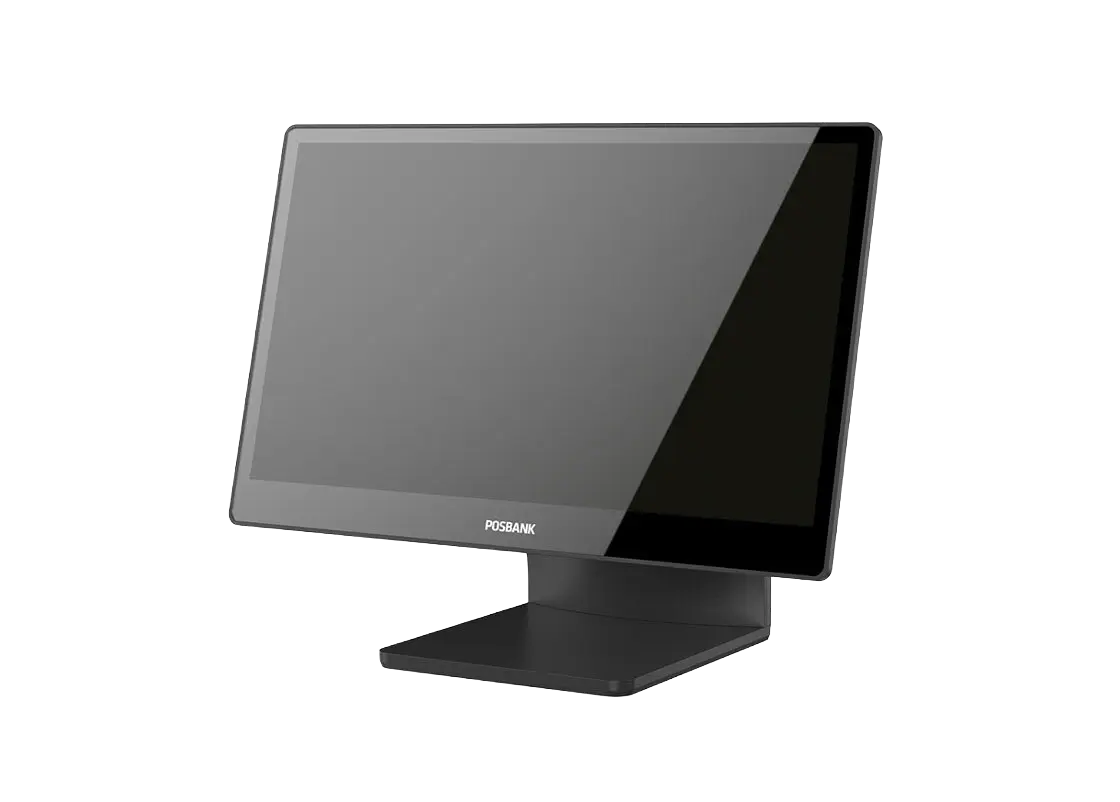
APEXA 1500
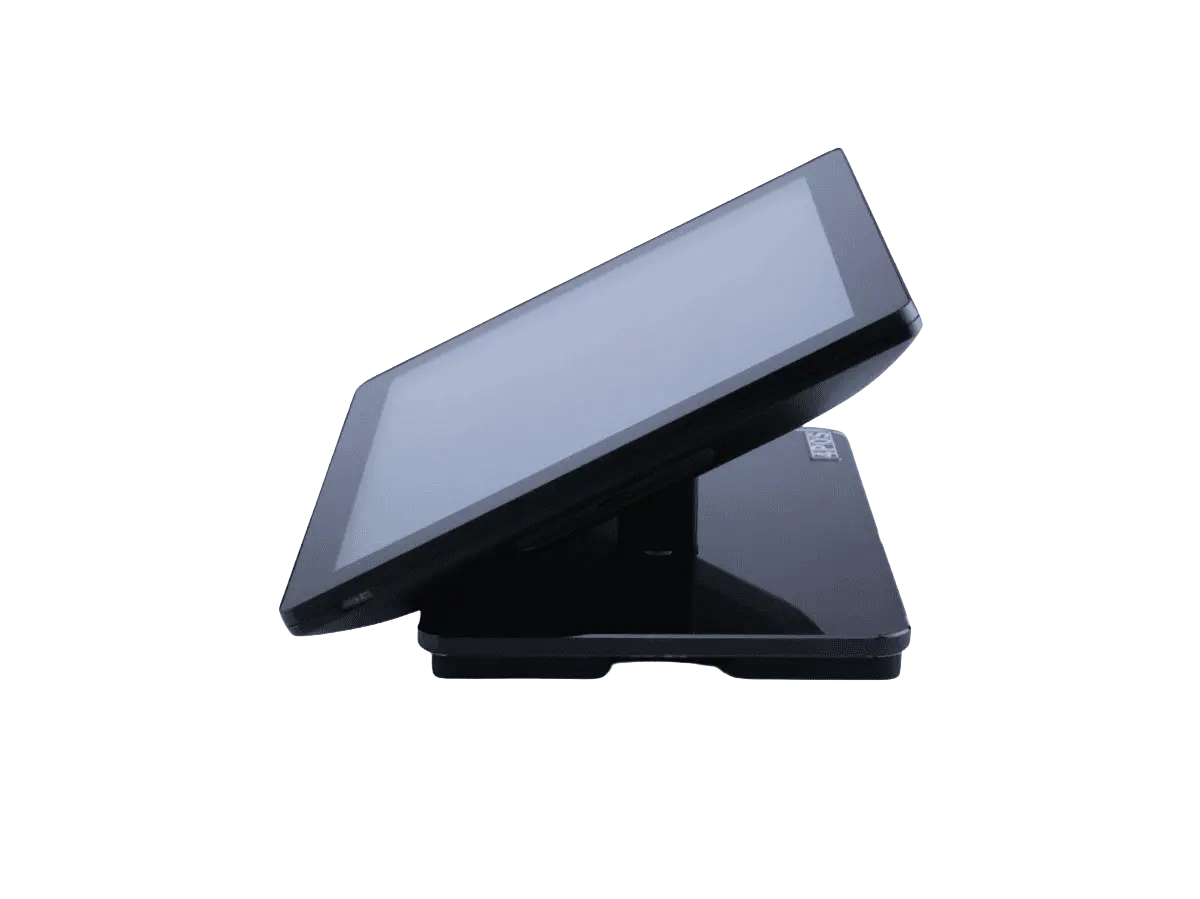
4POS 510
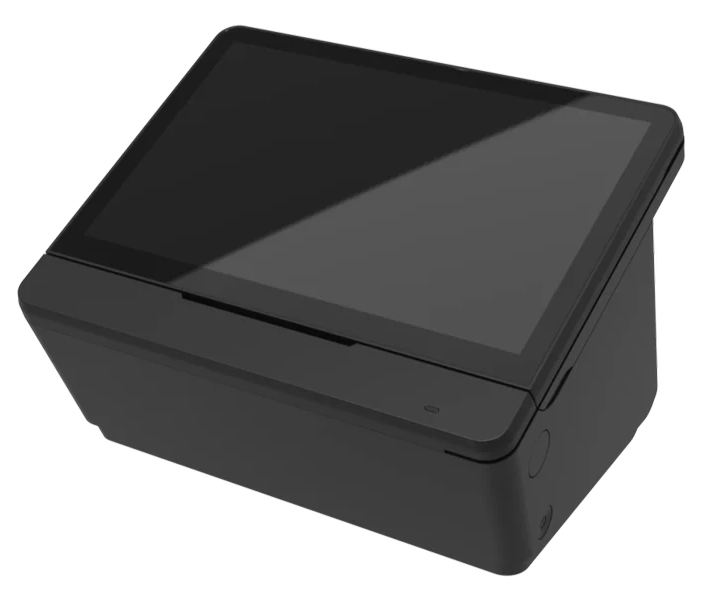
Posbank Mint
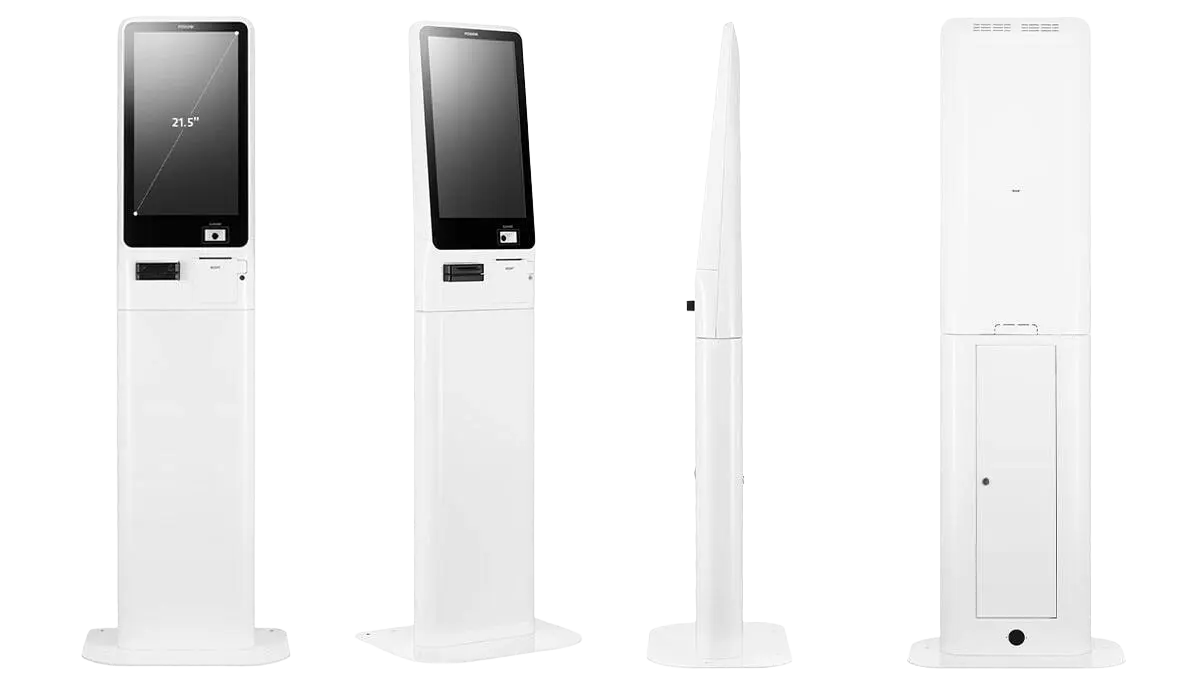
Big POS 2150
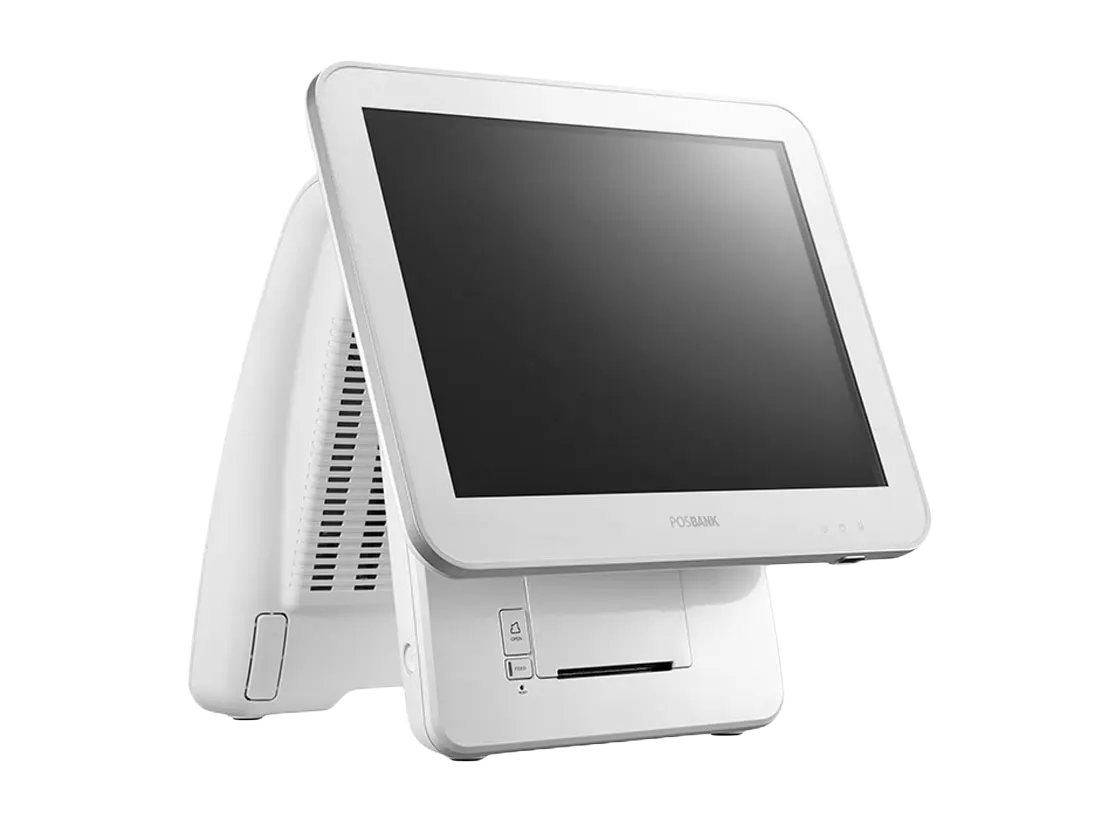
Imprex Prime 17″
Micanda POS also runs on any standard Windows 11 register, with no proprietary hardware required.
Accessories & peripherals
Preconfigured, rugged hardware, ready to plug in
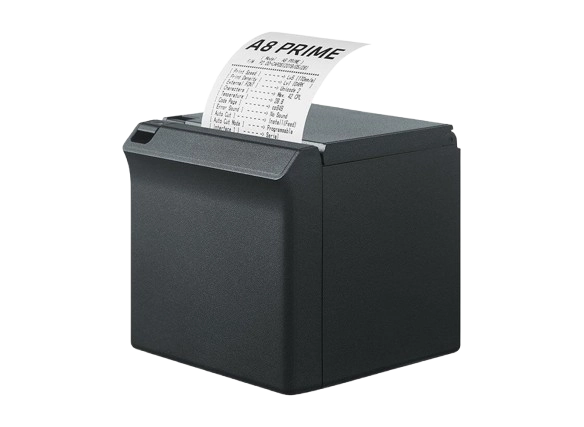
A8 receipt printer
Compact thermal printer for receipts, fast and quiet.
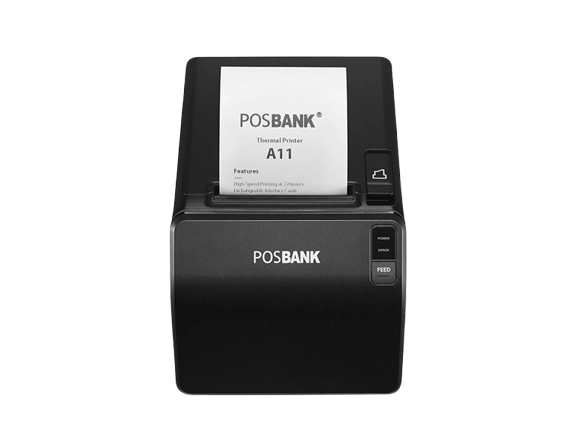
A11 receipt printer
High-speed thermal printer for high-volume environments.
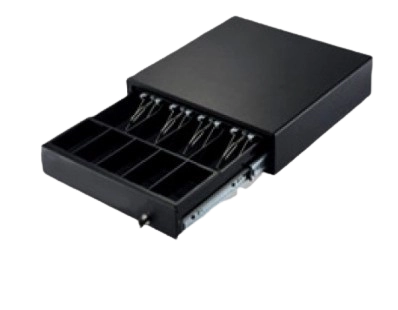
Cash drawer
Heavy-duty cash drawer driven by the POS: configurable automatic opening, opening log, and cash in/out tracking.
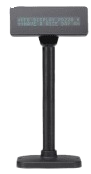
Customer display
Customer-facing screen showing the details of the current transaction.
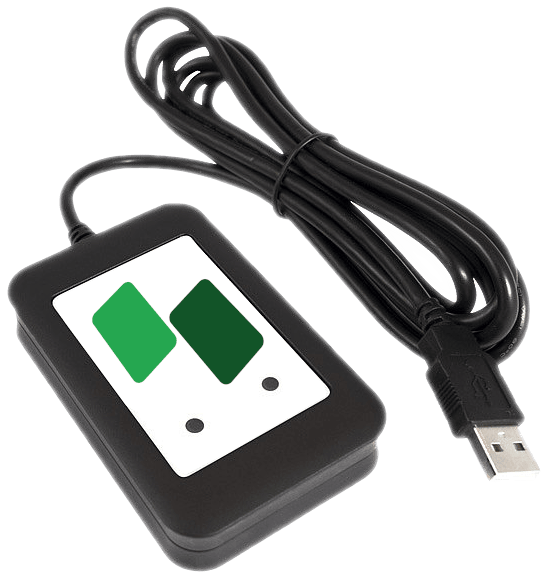
Elatec TWN4 badge reader
Universal multi-technology RFID reader for student IDs, staff and visitor badges.
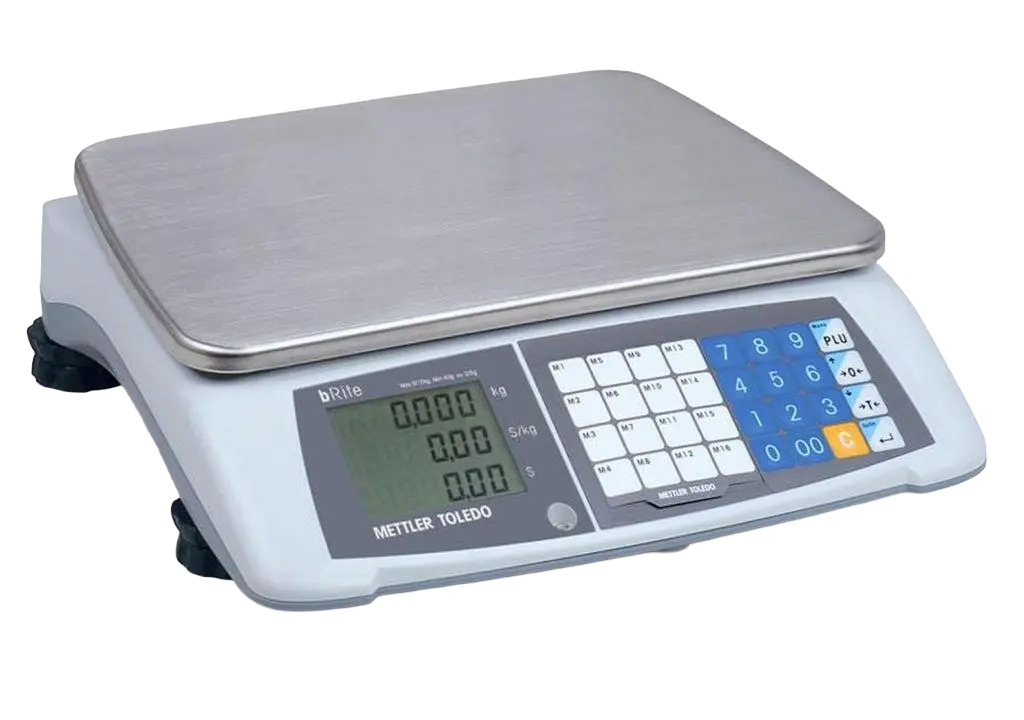
bRite Advanced Compact scale
Price-computing scale for selling by weight: salad bars, buffets and bulk items.
See it in action
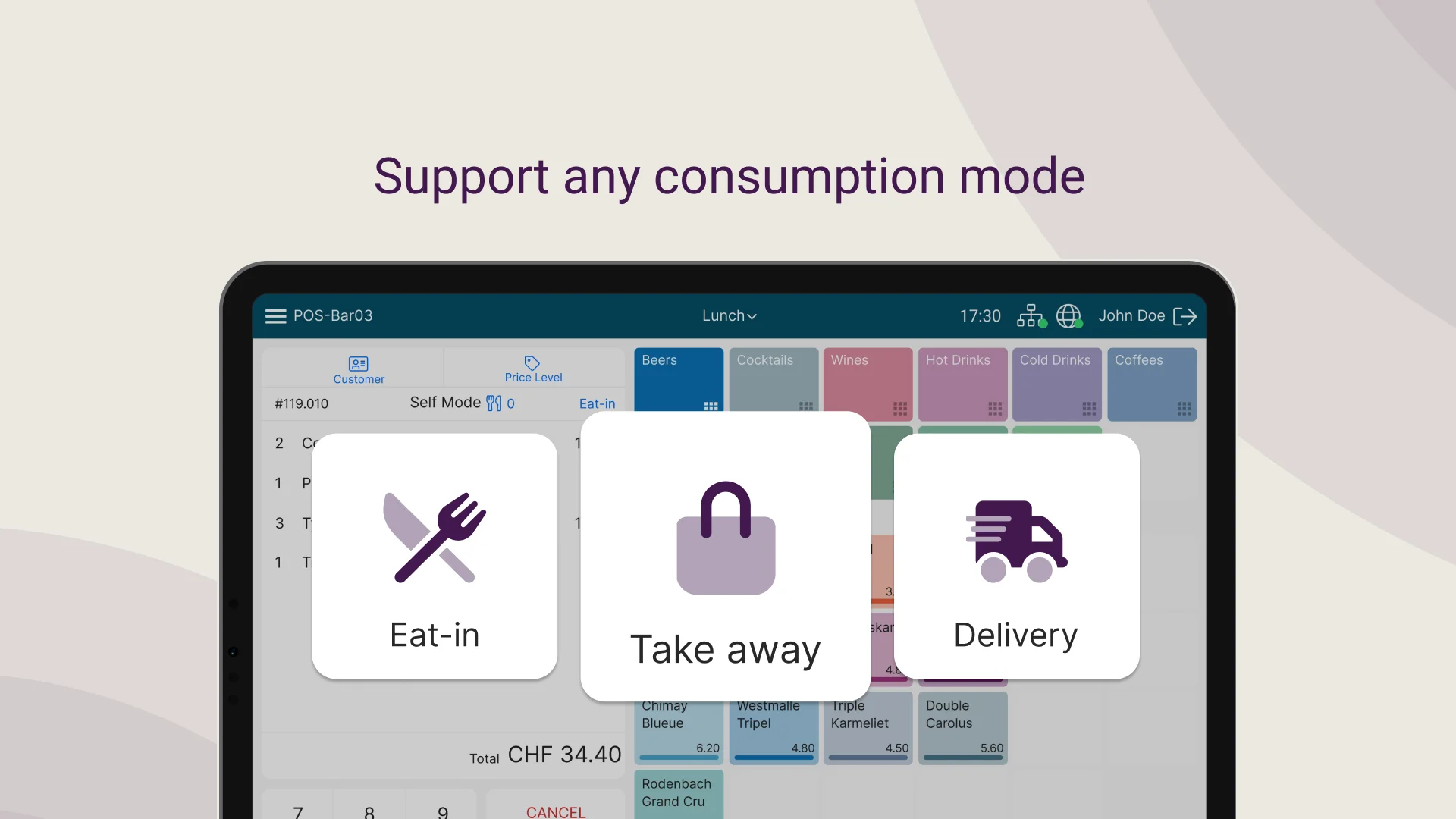
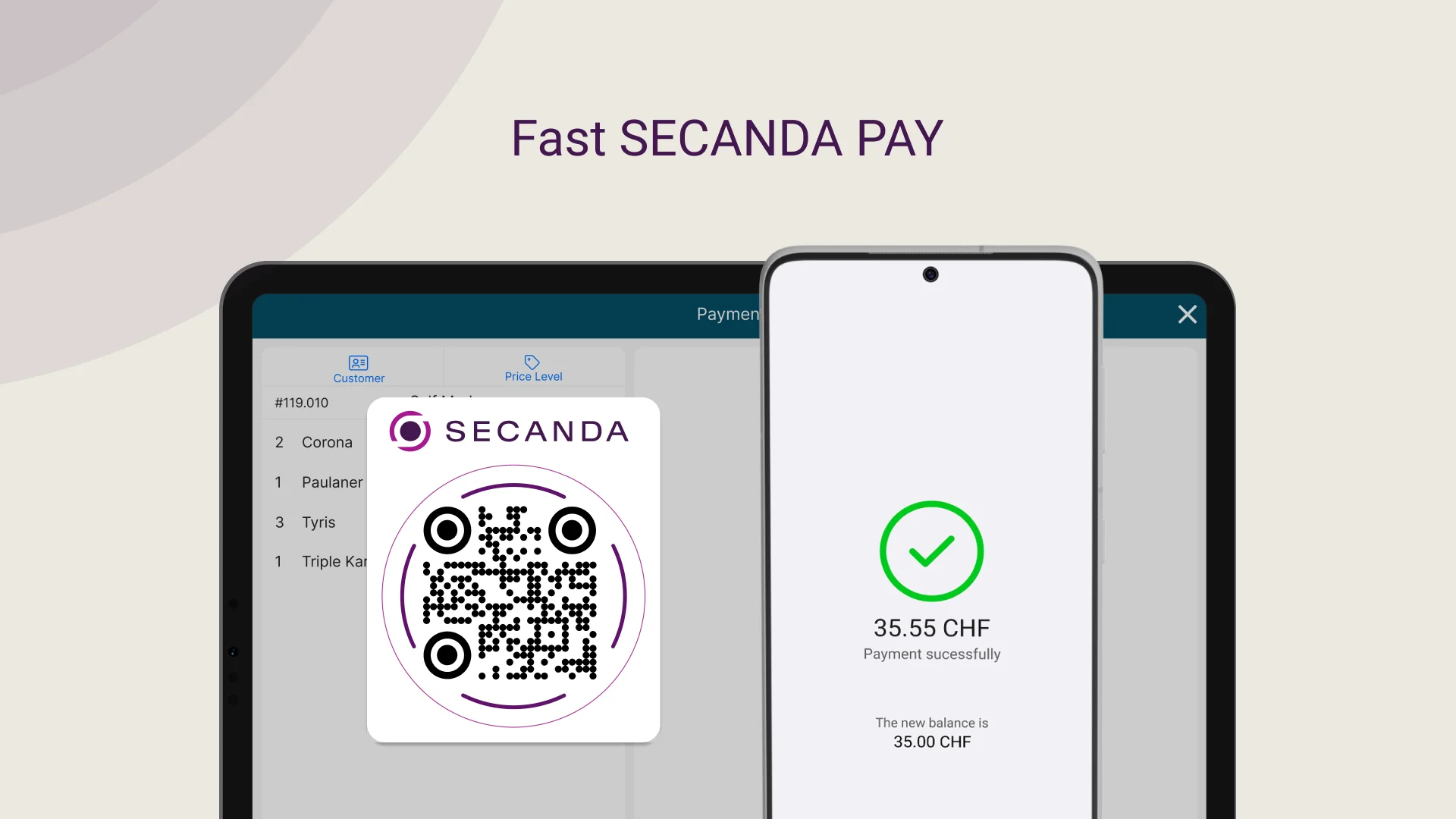
A clean, intuitive interface designed for speed
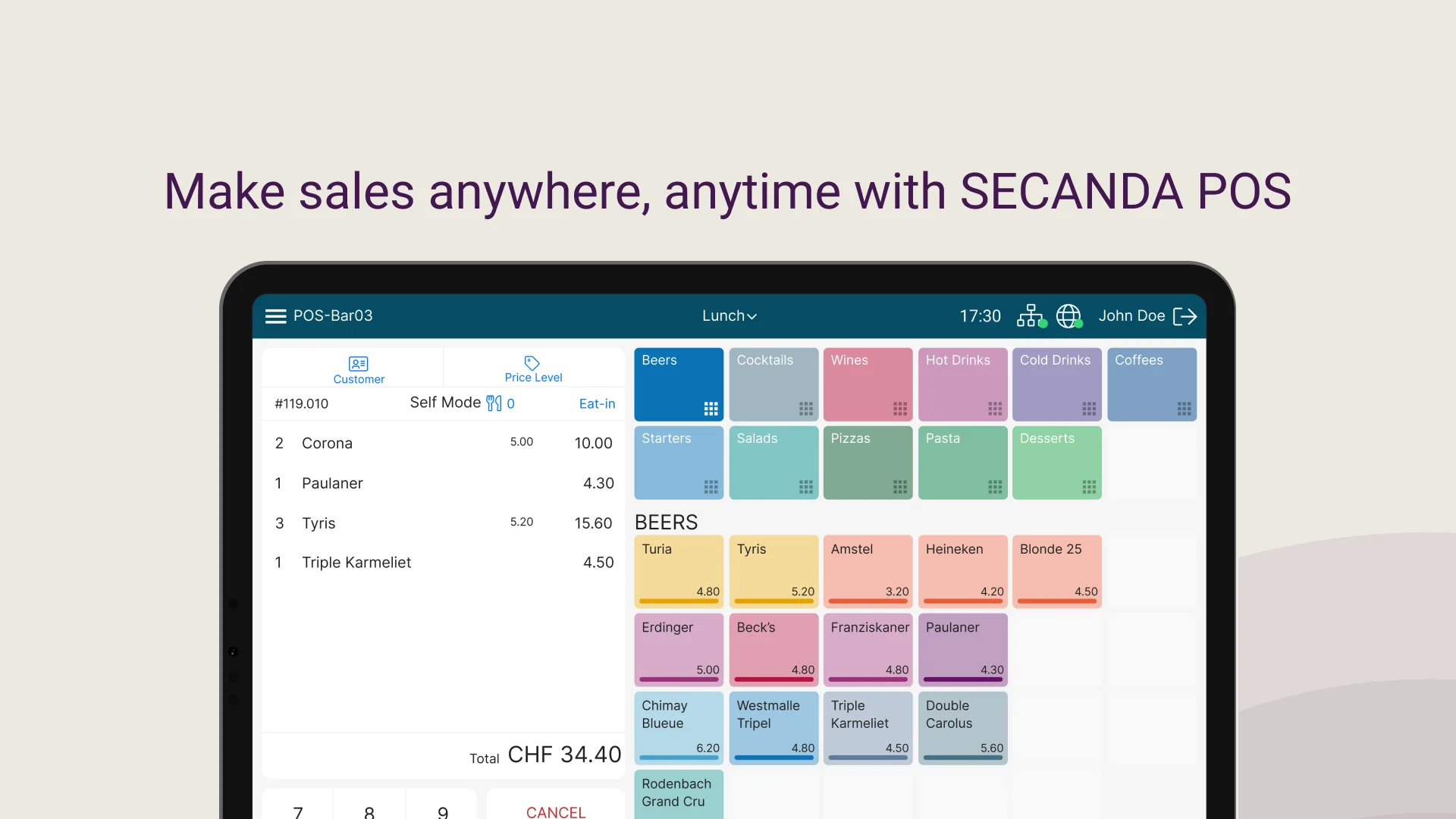
A turnkey rollout
SECANDA Inc stays with you from scoping to day-to-day support
Tailored definition
SECANDA Inc works closely with your institution to define a solution that fits your needs and the range of services you offer.
Installation and configuration
Our team configures Micanda POS for each site, integrates the chosen services and optimizes checkout flows.
Team training
Comprehensive training for administrators, checkout staff and managers, so your teams are productive from day one.
Technical support
Ongoing support to resolve incidents, handle maintenance and keep performance steady day to day.
Frequently asked questions
Everything you need to know about Micanda POS and its hardware
Can Micanda POS be used without the SECANDA Suite?
Yes. Micanda runs standalone for stores, cafes and points of sale that do not need full identity management. You still get the register, the reporting and the accessories. SECANDA Pay and the Suite can be added later without changing hardware.
How does Micanda handle sales tax and receipts?
Tax rates are configured per item and per location, so a campus that spans several jurisdictions bills each point of sale correctly, and tax-exempt categories are handled at the item level. Micanda prints itemized receipts and produces the full set of financial reports: daily closings (Z-report), X-reports, and breakdowns by tax rate, payment method, register, item and cost center. Everything exports to CSV or Excel for your accounting system.
How does Micanda handle the lunch rush? How many transactions per minute?
The register is optimized for dining-hall throughput: near-instant contactless SECANDA Pay payments (RFID or QR code), a fast mode for daily menus, and configurable shortcuts per register. Several registers run in parallel to absorb the lunchtime peak.
Can sales be linked to cost centers, departments or subsidies?
Yes. Each item can be tied to a cost center, and payments by voucher, meal plan or departmental subsidy are automatically allocated in the reports. Useful for internal billing between departments (HR, visitor reception, internal events).
Which hardware is used, and who handles support?
The registers are Posbank and 4POS terminals, and Micanda also runs on any standard Windows 11 register. SECANDA Inc handles deployment, configuration and day-to-day support.
Which data can be exported for BI or accounting?
Every transaction is stored with item, price, tax, payment method, operator, timestamp and user category. Scheduled CSV or Excel exports, plus database access for your BI tools (Power BI, Tableau and others). The data can then be fed into your accounting system as needed.
Ready to upgrade your POS?
See Micanda POS in action and discover how it simplifies campus dining operations.